Job search
How to Track Job Applications (and Know Exactly What to Do Next)
Several applications, several decisions: a simple tracker that tells you what to do next.
Theophilus OyetiOct 21, 2026
One fictional applicant, several worked answers: how to turn real experience into application answers a reader can check.
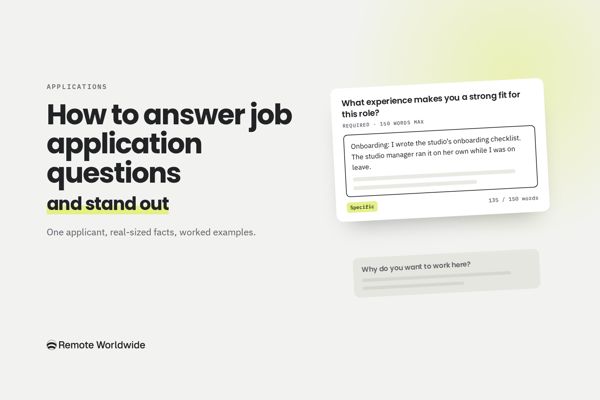
Many online applications ask for short written answers, such as "What experience makes you a strong fit for this role?"
The short answer: work out what the question is asking, and pick one to three pieces of real experience that match the role. Get to the relevant point early, say what you did and what changed, and cover every part of the question. Cut anything that doesn't help someone decide whether to interview you.
Standing out comes from relevant evidence, not clever phrasing. Compare these two lines:
The second gives a reader something concrete to check. It also suggests the checklist was usable, because someone else followed it without its author.
Leila Haddad, the job and the company are fictional, and the details are illustrative.
Leila's experience
The job (excerpt)
Operations Coordinator, Pellow Studio. Remote, EMEA time zones. You'll keep our project tools and shared drive organized, run onboarding for new contractors, manage supplier invoices with our finance partner, and improve how we document processes. Nice to have: Asana or Notion.
Pellow's careers page says it publishes its company handbook openly and works asynchronously across five countries.
Question: What experience makes you a strong fit for this role? (150 words maximum)
Version 1: generic
I am a highly organized and detail-oriented professional with over two years of experience in office and operations support. I am passionate about creating efficient processes and helping teams work smoothly. I have strong communication skills and enjoy working with different stakeholders. I am proficient in Google Workspace and have experience with project management tools. I am a fast learner and would welcome the opportunity to bring my skills to Pellow Studio.
This establishes over two years of office experience and names Google Workspace. But it doesn't show a single contribution or outcome, and "organized", "passionate" and "fast learner" are claims any applicant can make.
Version 2: polished, still vague
Over the past two years at an architecture studio, I've become the person colleagues turn to when something needs organizing. I thrive in fast-paced environments where I can bring structure to complexity, and I take real pride in building systems that make other people's work easier. From onboarding new starters to keeping invoices and files in order, I've developed a strong operations toolkit and a proactive mindset. Pellow's commitment to thoughtful, well-documented work resonates with me, and I'm confident I'd make an impact quickly.
This reads better and names the right areas. But every sentence is about how Leila sees herself, not what she did or what changed. The last sentence praises the company instead of answering the question.
Version 3: specific
I've been Office Assistant at a 14-person architecture studio since mid-2024, adding supplier invoicing and onboarding in early 2025. Three parts of that work match this role.
Onboarding: I wrote the studio's onboarding checklist, covering accounts, equipment and the first week. We've used it for the last three hires, and the studio manager ran it on her own while I was on leave.
Invoices: I moved supplier invoice entry from monthly to weekly and set up a shared tracker in Google Sheets. Over six months, overdue invoices at month-end fell from about 15 to two or three.
Files: I maintain the Google Drive folders for 22 active projects and manage access for staff and contractors.
Most of this has meant writing a process down so other people can follow it, which this role asks for.
(135 words.) Every fact comes from the summary above, and each detail does a job. Her real title and dates keep nothing inflated. A checklist someone else ran suggests documentation people can use. The invoice change gives a before-and-after a reader can picture. The last sentence ties it to the job's documentation duties.
What was left out: calendars and travel booking. It's real work, but this job doesn't mention scheduling. Her limitations stay out too, because the question asks what fits.
A one-line summary rarely holds enough for this question, so Leila notes what happened first.
Leila's notes (fictional case details)
For questions about past experience, give enough context to understand the problem, spend most of the answer on your own actions, and explain the result (Newcastle University; University of Manchester).
Leila's answer (limit: 150 words)
When I joined, new hires were set up by whoever had time, so steps got missed. One architect started without a software license and couldn't open project files until her third day. I collected every setup step from old emails and the IT contractor's notes and turned them into a checklist with three stages: before day one, day one and the first week. The IT contractor and the studio manager reviewed it, and I added an owner for each step, because licenses are his job and equipment is mine. I now start the checklist as soon as an offer is accepted. The last three hires had their accounts, equipment and first-week schedule ready on their first day. In August, the studio manager ran the checklist on her own while I was on leave.
(133 words.) The problem is specific, the actions are hers, the review is credited to those who did it, and the outcome needs no percentage.
"Proficient in Asana and Notion" sounds fine until someone asks what you built. Learning a tool, using it on one project and using it daily are different levels, so say which applies.
Leila's notes: Asana, on last year's three-month competition entry: set up the project, built the task list with the lead architect, kept due dates current for five people; the studio returned to Google Sheets afterwards. Notion: a free introductory course and personal notes.
Leila's answer (limit: 100 words)
Asana: I've used it at work on one project. When the studio prepared a competition entry over three months last year, I set up the Asana project, built the task list with the lead architect and kept due dates current for a team of five. The studio went back to Google Sheets afterwards, so I haven't used it day to day since. Notion: personal use only. I've completed a free introductory course and use it for my own notes, but I haven't used it with a team.
(87 words.) Each tool gets its true level, and saying what she did in Asana helps a reader judge how much she'd need to learn.
Manchester's careers service puts it simply: skills questions show why you're right for the job, and motivation questions show why the job is right for you (University of Manchester). Give a real reason based on something specific the company has said or done, then connect it to you.
Leila's notes: documentation is the part of her job she enjoys most. She wrote the checklist to be followed without asking her, which is how the studio manager ran it alone.
Leila's answer (limit: 100 words)
Two things on your careers page stood out. You publish your handbook openly, and your team works asynchronously across five countries, so written processes are how work gets done rather than a nice extra. That's the part of my current job I enjoy most. My onboarding checklist only worked because I wrote it for someone who couldn't ask me questions. I'd like to do that work full-time, for a team that relies on it every day.
(76 words.) Both facts come from Pellow's careers page, and her reason rests on her own work rather than adjectives about the company.
The same method works with evidence from study, volunteering or part-time work, labeled accurately. Tomás, also fictional, is a final-year student applying for an entry-level operations role.
Question: Tell us about a time you coordinated something involving several people. (150 words maximum)
Last spring I volunteered as logistics lead for my university's student-run careers fair, which had 18 employer stands and six volunteers. My job was to make sure every employer arrived to a ready stand. I built a shared spreadsheet with each employer's arrival time, stand number and requests, such as a power socket or extra chairs, and emailed every employer a confirmation a week before. On the day, I ran the check-in desk and moved two volunteers to cover a late room change. All 18 stands were set up before the doors opened. Afterwards I wrote a one-page handover, and this year's team is reusing the spreadsheet.
(107 words.) "Volunteered" and "student-run" say exactly what kind of experience this is. The reused spreadsheet shows his work outlasted the event.

FOR YOUR NEXT APPLICATION
Use our extension to fill in your details, reuse saved answers, and draft new ones from your resume and the job posting.
Explore the extensionSuppose another employer asks the same problem-solving question with a limit of 400 characters, including spaces. Leila's answer above is 734 characters, so it has to lose almost half its length.
New hires were set up by whoever had time, and one architect couldn't open project files until her third day. I turned the scattered setup steps into a three-stage checklist with an owner for each step, reviewed by the IT contractor and studio manager. The last three hires had everything ready on day one, and the studio manager ran it alone while I was on leave.
(364 characters including spaces, 66 words.)
What she protected: the problem, her action, the outcome, and credit to the people who reviewed it.
What she removed: where the steps came from, the stage names, why each step has an owner, and when she starts the checklist.
Check whether the form counts words or characters. Some online forms cut text off at the limit automatically, so check what appears in the box (University of Oxford). The form's own instructions always win.
For an Accounts Payable Assistant role elsewhere, Leila's facts stay the same and her emphasis changes:
| Operations Coordinator (Pellow) | Accounts Payable Assistant | |
|---|---|---|
| Lead with | Onboarding checklist and shared-drive organization | Weekly invoice entry and the Sheets tracker |
| Mention briefly | Invoice routine | Onboarding checklist, as evidence she documents processes |
| Leave out | Calendar and travel booking | Calendar and travel booking |
It's worth saving strong answers, and the facts behind them, so you're not starting from nothing next time. Before you reuse one, check it against the exact question and role: what's being asked, the limit, and which evidence this employer cares about most. An answer pasted in unchanged often answers the previous employer's question, and careers guidance commonly warns against pasting text from earlier forms (Newcastle University).
Keep a copy of every answer you submit, so you know what you told an employer before an interview (University of Oxford). Storing answers with each application in your tracker makes this easy, as in our guide to tracking job applications.
Answers can go into more detail than your resume, but they shouldn't contradict it: titles, dates and scope of work should line up, which is part of tailoring your resume to the job description.
Questions about location, availability, work authorization or years of experience aren't writing tasks. Answer exactly what's asked. If Pellow asked for three years of operations experience, Leila couldn't round up: she has been an Office Assistant since mid-2024 and has handled invoicing and onboarding since early 2025. Her figure has to match the experience the question names.
Leila leaves the optional "Anything else?" field blank. Her answers already explain that her responsibilities grew beyond her title, and her resume shows the same. Use the field only for something relevant and new that the form had no other place for, and that a reader might otherwise misunderstand.
Check the employer's rules first. Policies vary, and some employers don't allow AI in applications (University of Oxford). You're responsible for everything you submit, so protect what you share (Newcastle University):
If it's allowed (or maybe not), give the tool the exact question, the most relevant requirements, your verified evidence and the limit:
Draft an answer to this job application question.

Question: [paste]
Limit: [number] words / characters including spaces
Job requirements: [paste the 2–3 most relevant]
My evidence: [paste facts, dates and numbers]

Rules:
- Get to the relevant point in the opening, then cover every part of the question.
- Use only the evidence above. Don't invent achievements, numbers or titles.
- If the question asks for something my evidence doesn't cover, list it after the draft instead of filling the gap.
- Keep my meaning. Don't upgrade my role or results.
- Stay within the limit.
Then check every fact, the tone and every part of the question yourself, and count the length with a reliable counter rather than trusting the tool's own count.
Once you've chosen your evidence, two parts of the work repeat: reusing answers you've written well, and drafting new ones. RemoteWorldwide's application autofill helps with both. You can save an answer once and reuse it on later forms, and its "Answer with AI" option drafts replies to open questions from your resume and the job posting.
You stay responsible for what goes in: check that each answer is accurate, adapted to the question and allowed under the employer's rules. The tool doesn't submit applications for you. You review every field and submit the form yourself.
Visit RemoteWorldwide to explore the application tools and become an early user. The remote job board is already free.
FOR YOUR NEXT APPLICATION
Use our extension to fill in your details, reuse saved answers, and draft new ones from your resume and the job posting.
Explore the extension
Several applications, several decisions: a simple tracker that tells you what to do next.
Theophilus OyetiOct 21, 2026
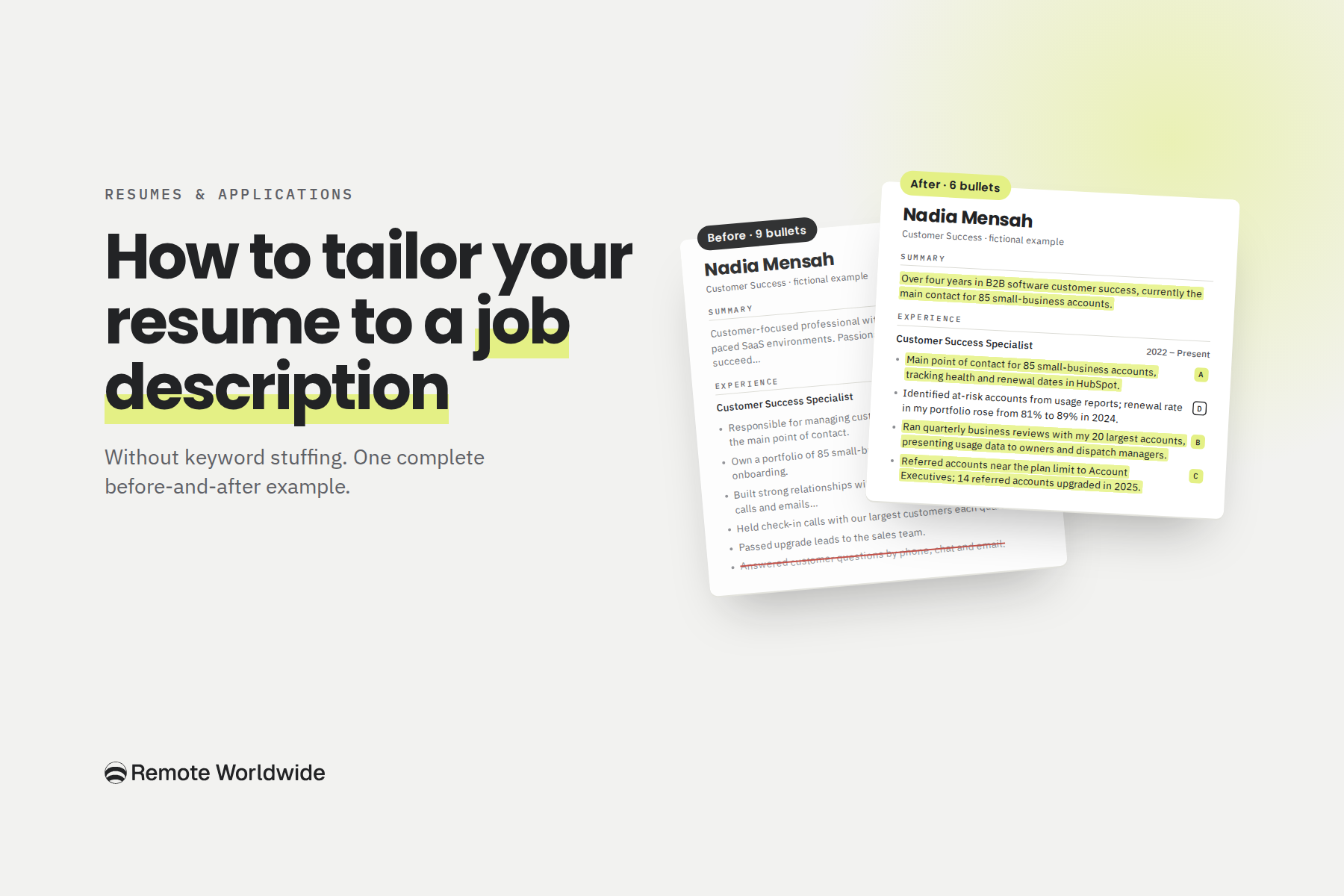
One job ad, one resume, every edit explained, including the changes you shouldn't make.
Theophilus OyetiOct 20, 2026